
Some senders overwhelm your inbox with constant messages, aggressive promotions, or repeated spam. Deleting these one at a time is slow and frustrating. CMDK solves this with the Nuke feature, activated through the 🚫 button, which wipes out all emails from a sender instantly and blocks anything they try to send in the future.
Why Some Senders Need Complete Removal
Unwanted senders often use multiple email addresses or send repeated marketing campaigns that ignore unsubscribe requests. Over time, they fill your inbox with clutter and distract you from important messages. Traditional Gmail tools are not built to handle persistent senders like this.
CMDK Nuke exists for situations where a normal unsubscribe does not work.
One Click Nuke Button
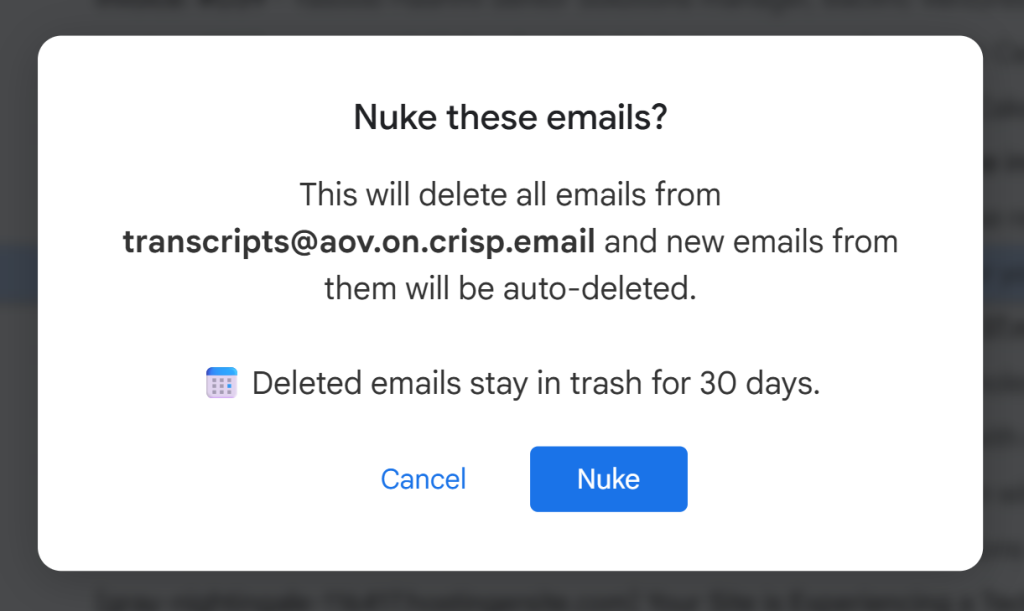
The 🚫 icon in your Gmail toolbar is the Nuke button. When you click it, CMDK immediately deletes every email you have received from that sender. You do not need to search, filter, or select anything. One action clears everything.
This is the fastest way to reclaim inbox space from a sender that keeps crowding your email.
Blocking Future Emails from a Sender
Nuke does not stop at deleting existing emails. It also blocks all future emails from that sender. Anything they send after you press the 🚫 button will be filtered out automatically.
This turns Nuke into a permanent fix. You press it once and the sender is gone for good.
Blocking an Entire Company
Some companies send emails from several domains, multiple departments, or automated systems. CMDK allows you to block an entire company instead of handling each address separately.
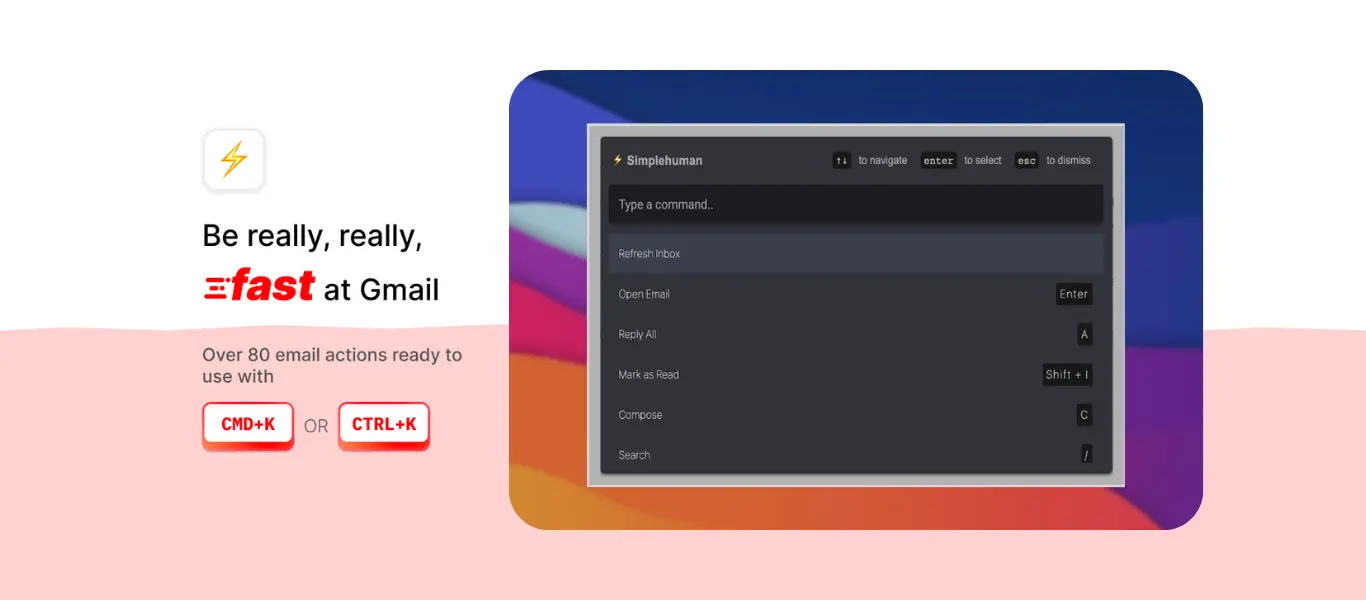
Open the Command Center with Cmd K or Ctrl K
Type nuke emails from company
Run the command
CMDK will detect all related domains and apply the block across the board. This is especially useful for companies that try to bypass traditional unsubscribe links.
Keeping Your Inbox Clean Long Term
Once Nuke removes a sender or company, the difference is immediate. You stop seeing repeated junk, promotions, or meaningless alerts. Your inbox stays focused and manageable because future clutter never arrives in the first place.
Over time, this reduces noise, saves time, and keeps your Gmail clean without additional effort.
Final Note
The 🚫 Nuke button gives you full control over unwanted senders. It deletes everything from them in one click, blocks future messages, and can even block entire companies. If you want a long term solution to spam and persistent marketing emails, Nuke is the simplest and most effective tool inside CMDK .