

It usually happens when you are in a rush. You try to send an important email or wait for a reply from a client, but nothing happens. Then you see that little red warning at the top of your screen. It tells you that your Gmail storage is full. Suddenly, your email stops working. You cannot send anything out, and people who try to email you get a message saying your inbox is full.
Google gives every user 15GB of free space. That sounds like a lot when you first sign up. But that space is shared between your emails, your Google Drive files, and your Google Photos. Once you hit that 15GB limit, everything stops. You are basically locked out of your own digital mailbox until you either pay for more space or delete old stuff. Most people do not want to pay a monthly fee forever. The good news is that you can fix this problem very quickly.
Why Your Gmail Storage Fills Up So Fast
Most of us have had our Gmail accounts for years. Over time, your inbox becomes a graveyard for things you do not need. Think about all the newsletters you signed up for five years ago. Think about the alerts from Facebook or LinkedIn that tell you someone liked a post. Each of those emails is very small, but when you have thousands of them, they act like tiny grains of sand that eventually fill up a whole bucket.
Junk mail is another big problem. Even if you do not open it, it sits there taking up room. Many of these emails also have images or small files attached to them. Over a long period of time, these “quiet” space eaters are what push you over your 15GB limit. You do not realize it is happening until the red warning bar appears.
Use CMDK to Find Old Emails You Forgot Existed
The hardest part of cleaning an inbox is finding the stuff that needs to go. Usually, you have to click through page after page of old messages. It is boring and takes a lot of time. This is where a tool like CMDK makes a huge difference.
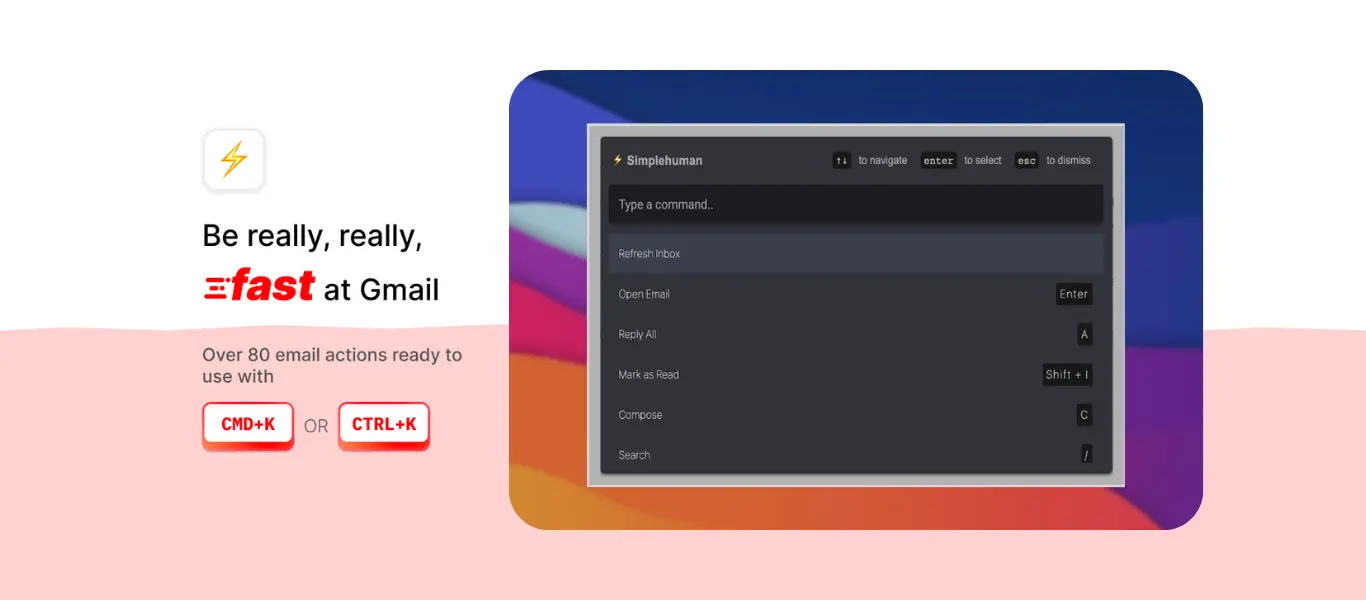
CMDK adds a special feature to your Gmail called the Command Bar. You can open it instantly by hitting a couple of keys on your keyboard. Instead of hunting through menus, you just type what you want to find. For example, you can type “before:2020” into the Command Bar. This instantly shows you every single email you received more than five years ago. Most people do not need to keep a receipt or a newsletter from 2019. By using the Command Bar to search for very old dates, you can find thousands of emails that are safe to delete in just a few seconds. It makes the search process feel like a conversation rather than a chore.
How to Nuke Entire Senders Instantly
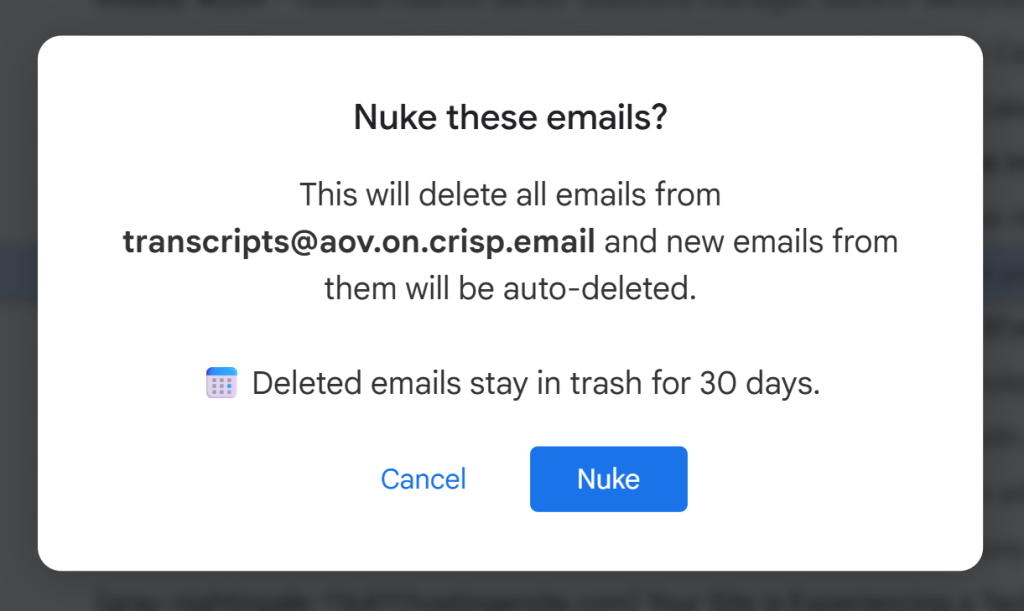
Once you find a sender that is sending you too much junk, the old way to fix it was very annoying. You had to search for the sender, select all their emails, and hit delete. Then you had to do it again for the next page. If a company has sent you 500 emails over three years, this can take a long time.
CMDK has a much better way called the Nuke feature. When you are looking at a junk email from a specific company, you can use the Nuke button in your toolbar. When you click it, CMDK does two things at once. First, it blocks that sender so they can never bother you again. Second, it finds every single email that sender has ever sent you and deletes them all at once.
It is like a deep clean for your inbox. Instead of deleting emails one by one, you are removing the entire problem at the source. If you Nuke five or ten major junk senders, you might find that you instantly clear out 1GB or 2GB of space. It is the fastest way to get your storage back under control without having to think too much about it.
Stop the Clutter Before it Starts Again
Cleaning your inbox is great, but you do not want to have to do it again in three months. The best way to keep your Gmail storage free is to stop the junk from coming in. We all get those marketing emails that we never read but never bother to cancel.
CMDK makes unsubscribing as easy as pressing one key. Usually, you have to scroll to the very bottom of an email and look for a tiny link that says “unsubscribe.” Sometimes that link takes you to another website where you have to click more buttons. With CMDK , you can just use a simple shortcut while the email is open.
The tool handles the hard work for you. It tells the sender to stop and removes the email from your sight. If you make it a habit to use this shortcut every time you see a newsletter you do not want, your inbox will stay clean on its own. You will never have to worry about that 15GB limit again because you are only keeping the emails that actually matter.
Final Thoughts on Saving Space
You do not need to be a computer expert to fix a full Gmail account. You just need the right tools to make the job faster. By using the CMDK Command Bar to find old files and the Nuke feature to get rid of big junk senders, you can clear your storage in less than five minutes. It saves you from having to pay for more storage and keeps your email running smoothly.