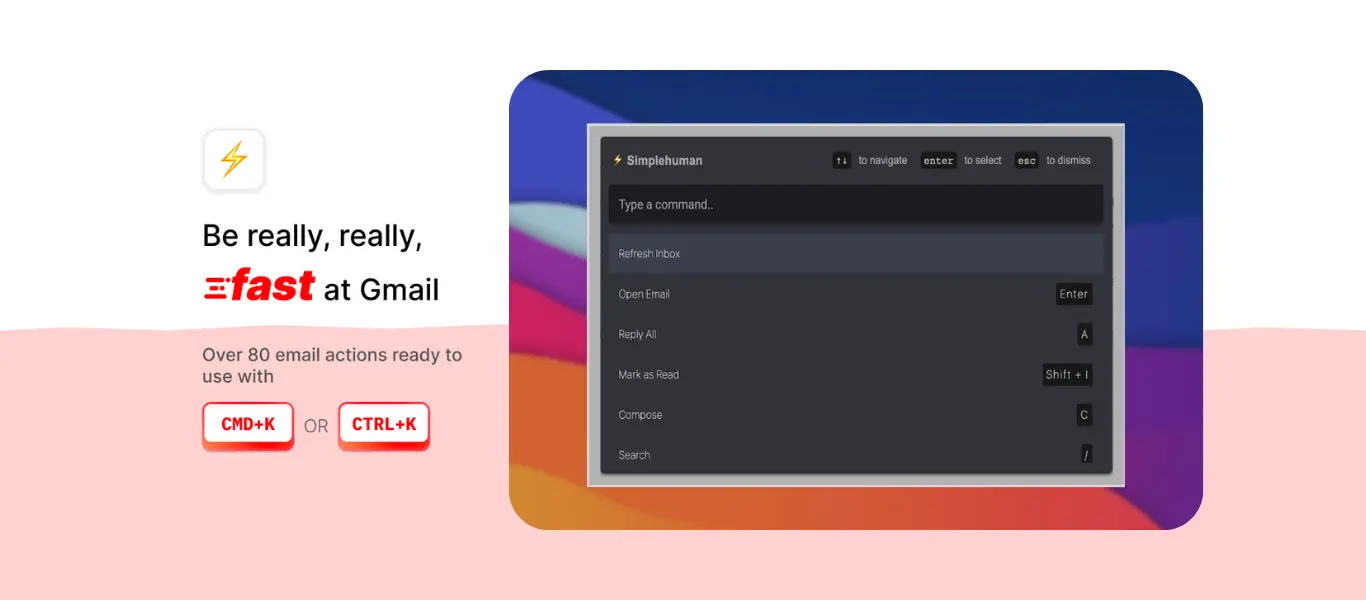


CMDK turns Gmail into a smooth, keyboard driven workspace. Instead of clicking through messages, you move through your inbox using simple arrow keys that keep you in a steady flow. This removes the constant back and forth between the mouse and keyboard and makes email handling feel faster and more controlled.
Scanning Emails with Up and Down Keys
The up and down arrow keys let you move through your inbox like you are scrolling through a clean list. Each tap highlights the next message without opening it. This makes scanning new emails quick and effortless. You can preview senders, subjects, and timestamps without losing your place or breaking momentum.
CMDK keeps this navigation consistent across all Gmail folders. Whether you are in Inbox, Sent, Starred, or a custom label, the up and down keys let you browse instantly.
Opening Emails with Enter
Once you highlight a message with the arrow keys, press Enter to open it. This creates a natural flow. Move down the list, stop when you reach something important, press Enter, and continue reading.
Inside the email, Enter becomes your shortcut to reply instantly. This removes multiple mouse clicks and keeps your attention on the content.
Switching Emails with Left and Right Keys
When you are inside an email thread, you can switch to the previous or next message using the left and right arrow keys. This is much faster than returning to the inbox every time.
Left takes you to the previous email
Right takes you to the next email
This is perfect when you are processing messages in sequence. You stay in reading mode without breaking the flow.
Selecting Multiple Emails with Shift
Bulk actions in Gmail often require clicking dozens of checkboxes. CMDK solves this with a simple key press. Hold Shift and use the arrow keys to select multiple messages at once. This makes it easy to archive, delete, star, or label large groups of emails in seconds.
The process is clean, fast, and completely keyboard driven.
Benefits of Continuous Keyboard Flow
Moving through Gmail with arrow keys eliminates the slow steps that come from switching to the mouse. You stay in one rhythm, make decisions faster, and reduce mental friction. The interface feels lighter because your hands stay in place and your eyes follow the content without interruption.
CMDK builds this flow intentionally. By turning arrow keys into navigation controls, it transforms Gmail into a workspace where you move naturally, process faster, and stay focused.
Final Note
Arrow key navigation is one of the most effective ways CMDK speeds up Gmail. You scan messages with up and down keys, open them with Enter, switch threads with left and right keys, and select groups with Shift. The entire process becomes smooth and efficient, helping you glide through your inbox without ever reaching for the mouse.