
Most people today do not just have one email address. You likely have one for your main job, a personal one for family and shopping, and maybe even a third one for a side project or a hobby. While having different accounts helps keep your life organized, managing them inside a web browser is often a total mess. If you find yourself constantly clicking between different windows and feeling overwhelmed, you are not alone. There is a much better way to handle this without losing your focus.
The Tab Nightmare of Modern Email
The biggest problem with having multiple Google accounts is what many people call the tab nightmare. You start your day by opening your work email. Then you realize you need to check a tracking number for a personal package, so you open a second tab. Then you remember a task for your side business, so you open a third tab.
Before you know it, the top of your browser is crowded with tiny icons that all look exactly the same. You have to click through each one just to see which account is which. This constant clicking back and forth is exhausting for your brain. Every time you switch tabs, you lose a little bit of concentration. It makes it very hard to get into a flow state where you can actually get work done. Instead of focusing on your messages, you are spending your energy just trying to find the right screen.
Why Multiple Windows and Profiles Often Fail
Some people try to solve this by opening different browser windows or using different Chrome profiles. While this keeps your accounts separate, it creates a new set of problems. Having three different windows open means you have to use keyboard shortcuts or your mouse to jump between entire applications. It clutters up your computer screen and makes everything feel heavy.
Other people try logging in and out of their accounts within the same window. This is even worse because Google often asks you to verify your identity or type in passwords again. It takes way too much time. Using different profiles can also be confusing because your bookmarks and saved passwords might not be the same in every window. You end up feeling like you are jumping between three different computers instead of just working in one place. It kills your momentum and makes simple tasks feel like a lot of effort.
Fast Switching with the CMDK Command Bar
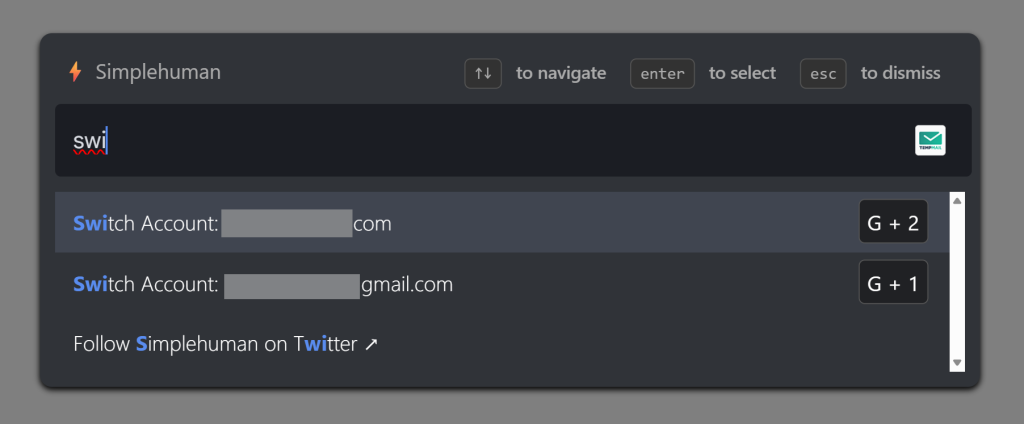
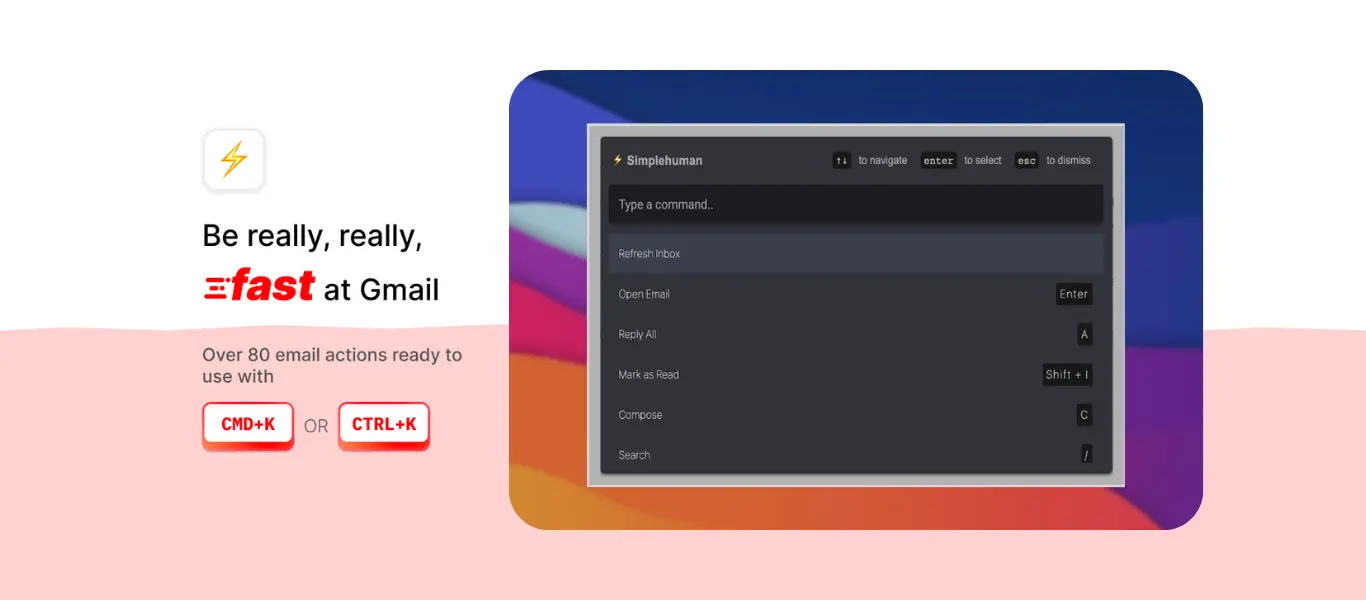
This is where CMDK changes the way you work. Instead of using your mouse to hunt for tabs or windows, you can use the CMDK Command Bar. You open this bar instantly by hitting a simple shortcut on your keyboard. It appears right in the middle of your screen like a search box for your entire email life.
If you want to move from your work inbox to your personal labels, you do not have to click anything. You just type the name of where you want to go. Because CMDK is built to be fast, it jumps to that account or folder in a split second. You never have to take your hands off the keyboard. This means you can stay focused on the task at hand. If you are typing a reply and realize you need info from another account, you jump there, get the info, and jump back. It feels smooth and natural, almost like the accounts are all part of one big, organized system rather than separate, messy tabs.
Organizing the Mess with Built In Tabs
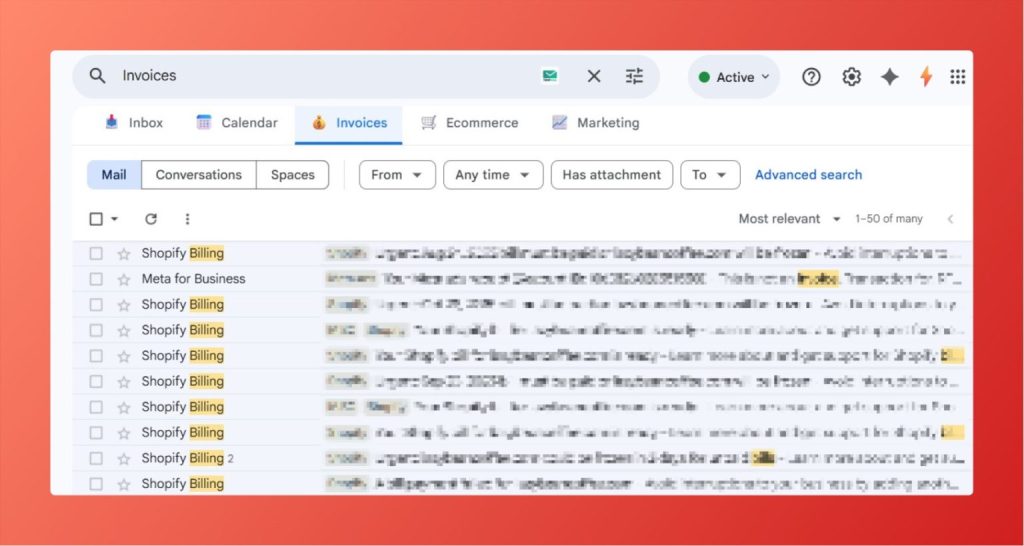
Beyond just switching fast, you need a way to keep your different lives organized so they do not bleed into each other. CMDK offers a feature called Tabs that sits right inside your Gmail interface. These are not like regular browser tabs that get lost at the top of your screen. These are dedicated spaces designed specifically for your email categories.
You can set up a tab for your most important work emails and another for your personal newsletters. This allows you to keep your different worlds separate but reachable with a single click or keypress. You can see at a glance if you have new mail in your side project without having to fully switch away from your main work. It gives you a sense of calm because you know exactly where everything is. You no longer have to worry about a personal bill getting lost in a pile of work memos. Everything has its own home, and you are the one in total control of the layout.
Why a Simple Setup Wins Every Time
The goal of managing multiple accounts should be to spend less time thinking about the tool and more time thinking about your life. When you use a tool like CMDK , you stop being a professional tab switcher. You stop wasting minutes every hour just navigating your browser.
By moving away from the old way of opening dozens of windows, you give your brain a break. Using the Command Bar to jump between accounts and using the internal Tabs to stay organized makes your digital life feel light again. You can finally handle three or four different Google accounts as easily as if you only had one. It turns a stressful, cluttered morning into a productive and organized day.