
If your inbox is a battleground and your keyboard is your weapon, then the right email client can make a huge difference. Many tools promise “faster email” but fewer deliver the kind of fluid control real users need.
The promise of keyboard shortcuts
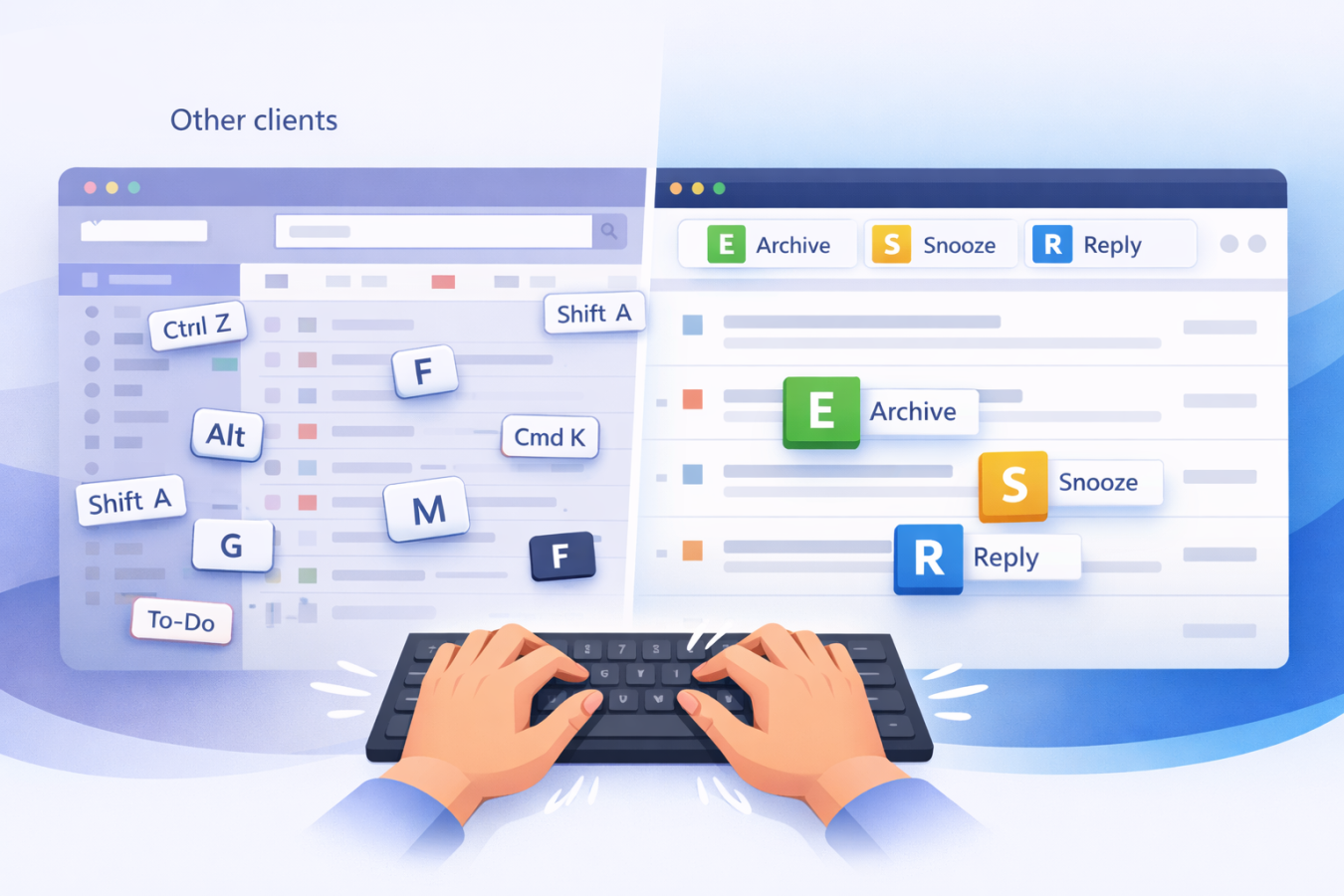
Modern email clients live or die by how quickly you can triage, respond, archive and move on. Mouse clicks interrupt flow. Key-commands keep momentum. A robust shortcut architecture means fewer distractions, fewer context switches, fewer delays. And when you are handling dozens or hundreds of messages a day, those seconds add up.
What Superhuman offers
Superhuman markets itself as “the most productive email app” ever made. Keyboard shortcuts are central: the command bar, rapid navigation, predefined keystrokes for archive/delete, snooze and so on.
But there are two significant downsides:
- Cost: It costs $30 per user per month just for the starter plan.
- Learning curve and niche target: The high price implies you are a heavy user, willing to invest time mastering the tool. Some users question whether the benefit justifies the cost
- Thus Superhuman does deliver a high-volume shortcut-rich experience, but at a premium and with a steeper adoption effort.
How CMDK approaches shortcuts
CMDK takes the same goal, faster email via keyboard mastery, but approaches it in a more inclusive, cost-sensitive way. Here’s how:
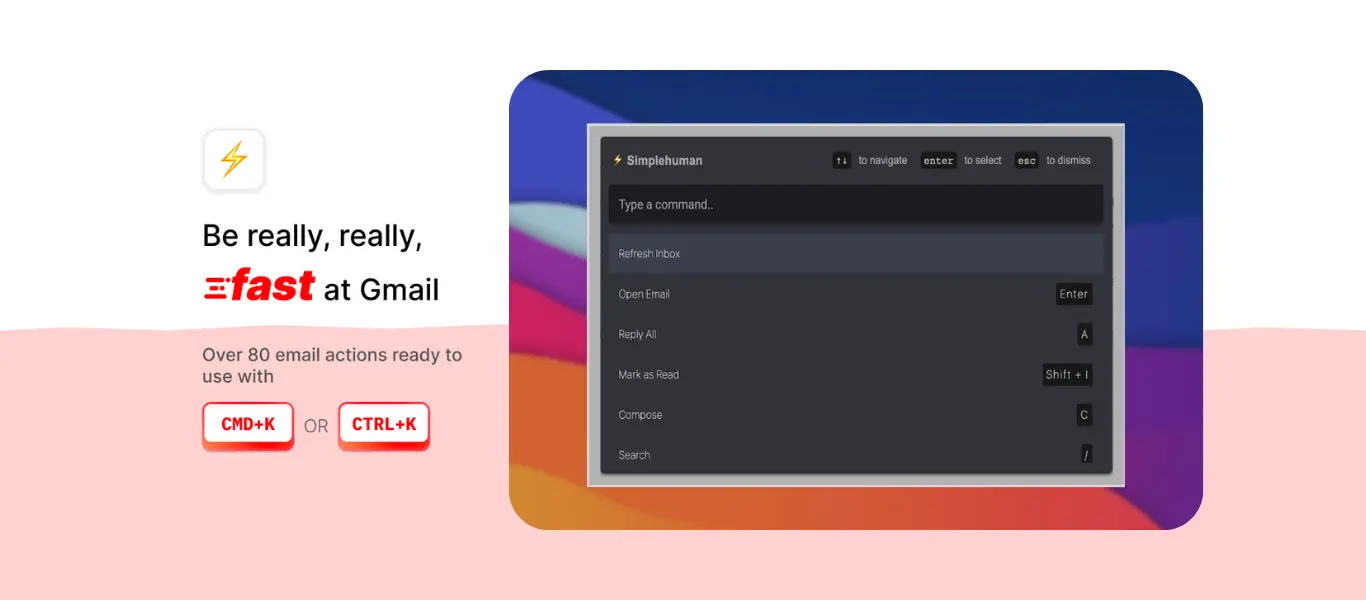
- 80+ hotkeys built in for everyday use: delete/archive, navigate folders, open links/attachments, snooze, reminders.
- A command bar (⌘+K / Ctrl+K) for quick actions, so you don’t need to hunt menus.
- Gentle cues: when you use the mouse, CMDK nudges you with the corresponding hotkey so you learn shortcuts organically.
- Works inside Gmail as a browser extension, alongside your existing workflow and other tools.
- Pricing begins at a much lower threshold. (The Chrome Web Store listing shows plans “starting at $5/month”.)
Why CMDK is better keyboard-shortcut first
- Lower barrier to entry: You get the keyboard workflow without committing to a high monthly fee or massive learning investment.
- Shortcut learning built-in: CMDK’s design helps short-cut adoption rather than dumping a massive key list and leaving you to figure it out.
- Minimal disruption: Because it layers on top of Gmail, you don’t need to migrate to a whole new app, retrain or abandon your existing ecosystem.
- True shortcut coverage: You get archive/delete with one tap, quick navigation, command bar for any action, without needing a high-cost “premium email app”.
- Focus on keyboard mastery rather than hype: While Superhuman emphasizes AI, collaboration, enterprise features and heavy pricing, CMDK focuses simply on making you faster at email with the keyboard.
Realistic recommendation
You don’t need to pay $30/month for shortcuts. You don’t need to wrestle with a steep learning curve or commit to a whole new ecosystem. You just need keyboard mastery, and CMDK delivers that.
Conclusion
Keyboard shortcuts are a vital piece of modern email productivity. But a tool that locks you into high cost and heavy workflow overhead undermines the very speed and freedom you seek. CMDK gives you the shortcut architecture, command bar, intuitive workflow and affordability you need, without the premium trap. Choose keyboard mastery over keyboard marketing.